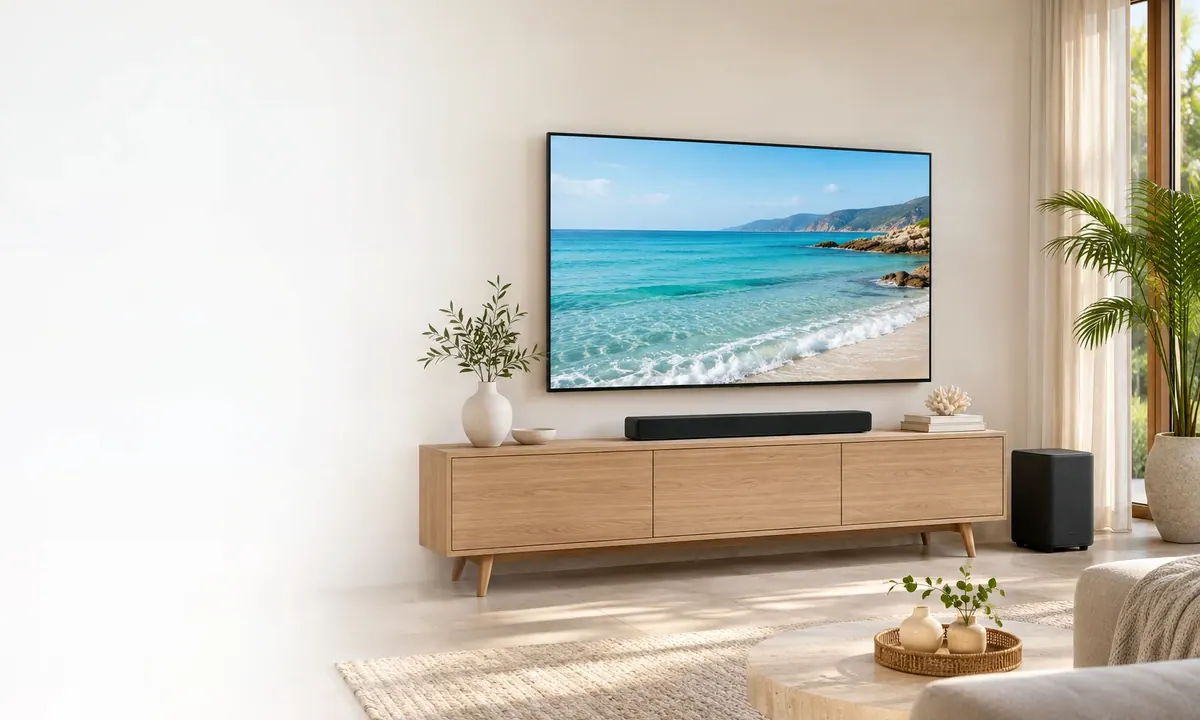
How to connect a VIZIO soundbar to a TV
Set up a VIZIO soundbar with HDMI ARC or optical, choose the correct audio output and troubleshoot silence.
Read article →10 articles
Set up a VIZIO soundbar with HDMI ARC or optical, choose the correct audio output and troubleshoot silence.
Read article →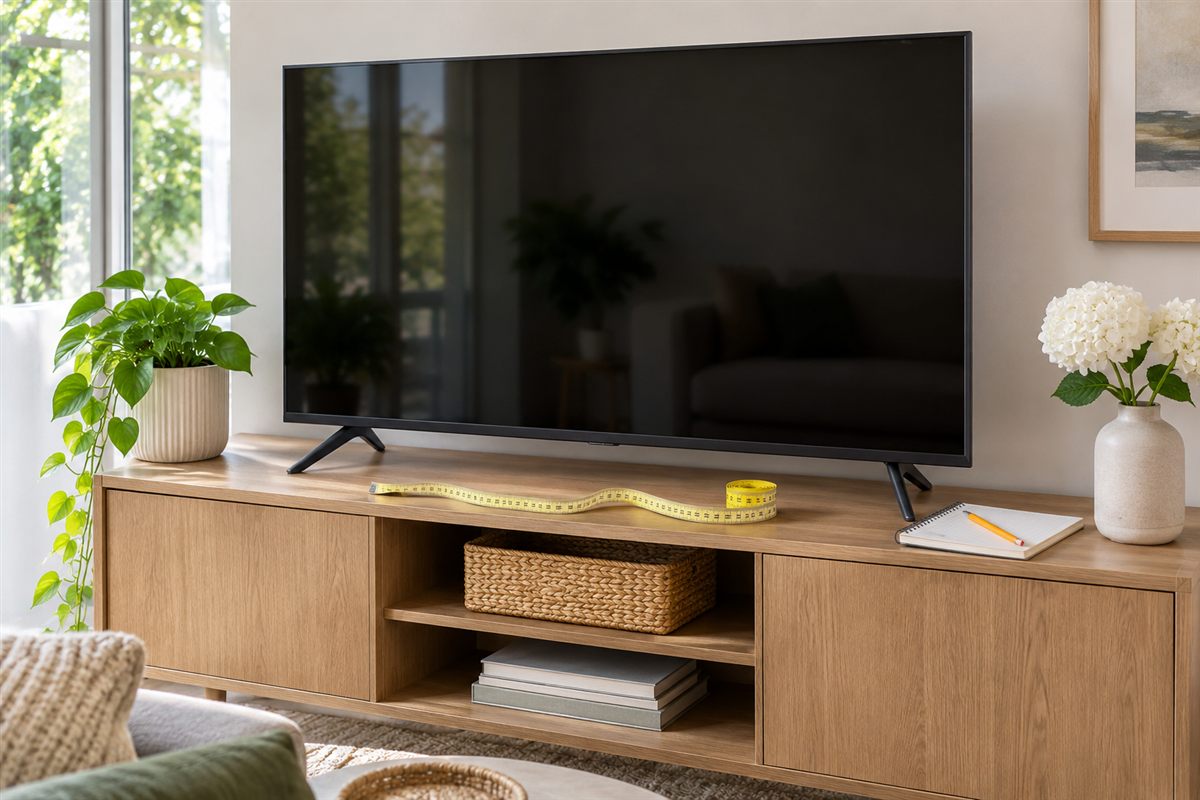
Measure screen size diagonally, then check cabinet width, stand depth and mounting dimensions before buying a TV.
Read article →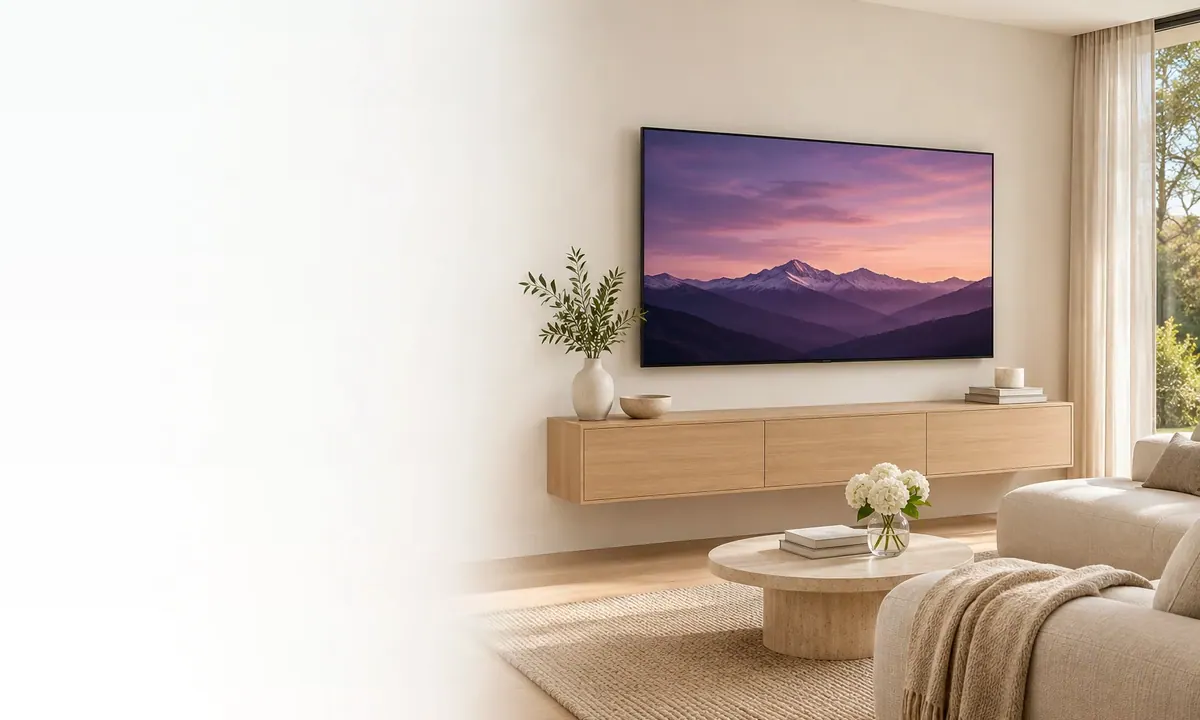
Plan a comfortable TV mounting height using seated eye level, screen dimensions and the bracket offset rather than a fixed rule.
Read article →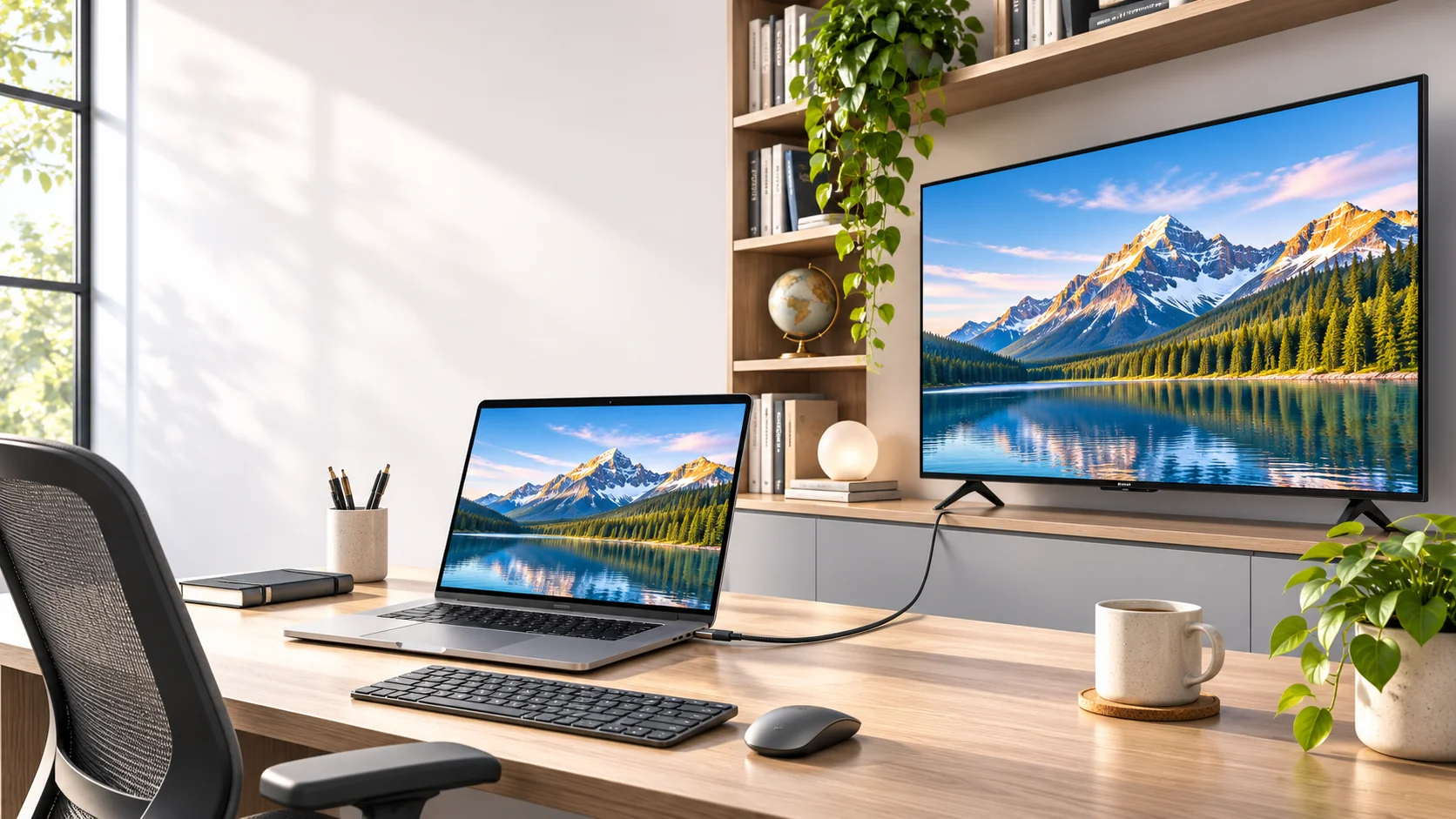
Connect a Windows PC to a TV with HDMI or a compatible wireless display, choose display modes and fix missing sound or cropped text.
Read article →
Pair compatible Bluetooth headphones with a TV, choose an alternative connection and troubleshoot sound delay or missing audio.
Read article →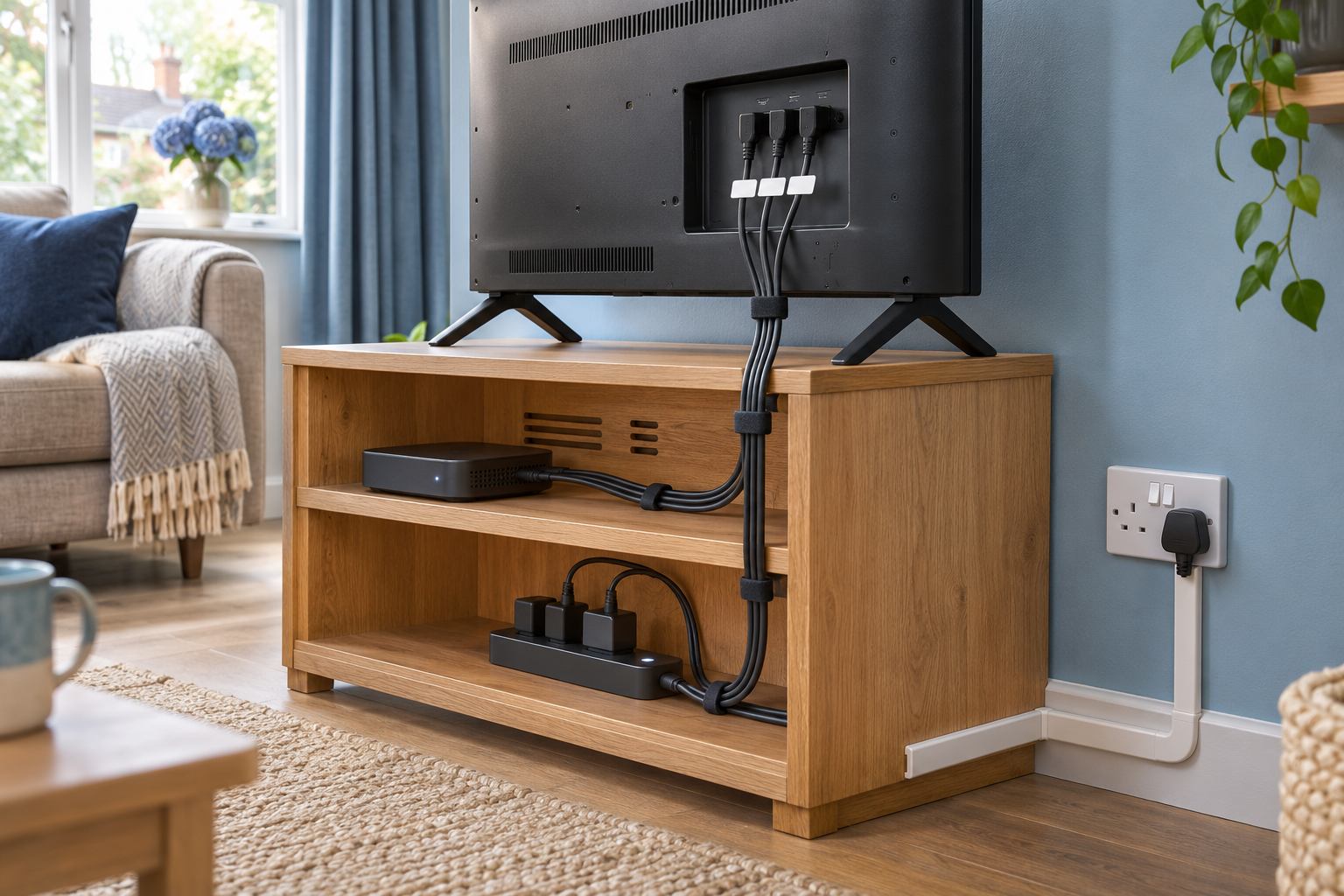
Organise TV cables with labels, clips and accessible routes while keeping plugs, ventilation and moving mounts clear.
Read article →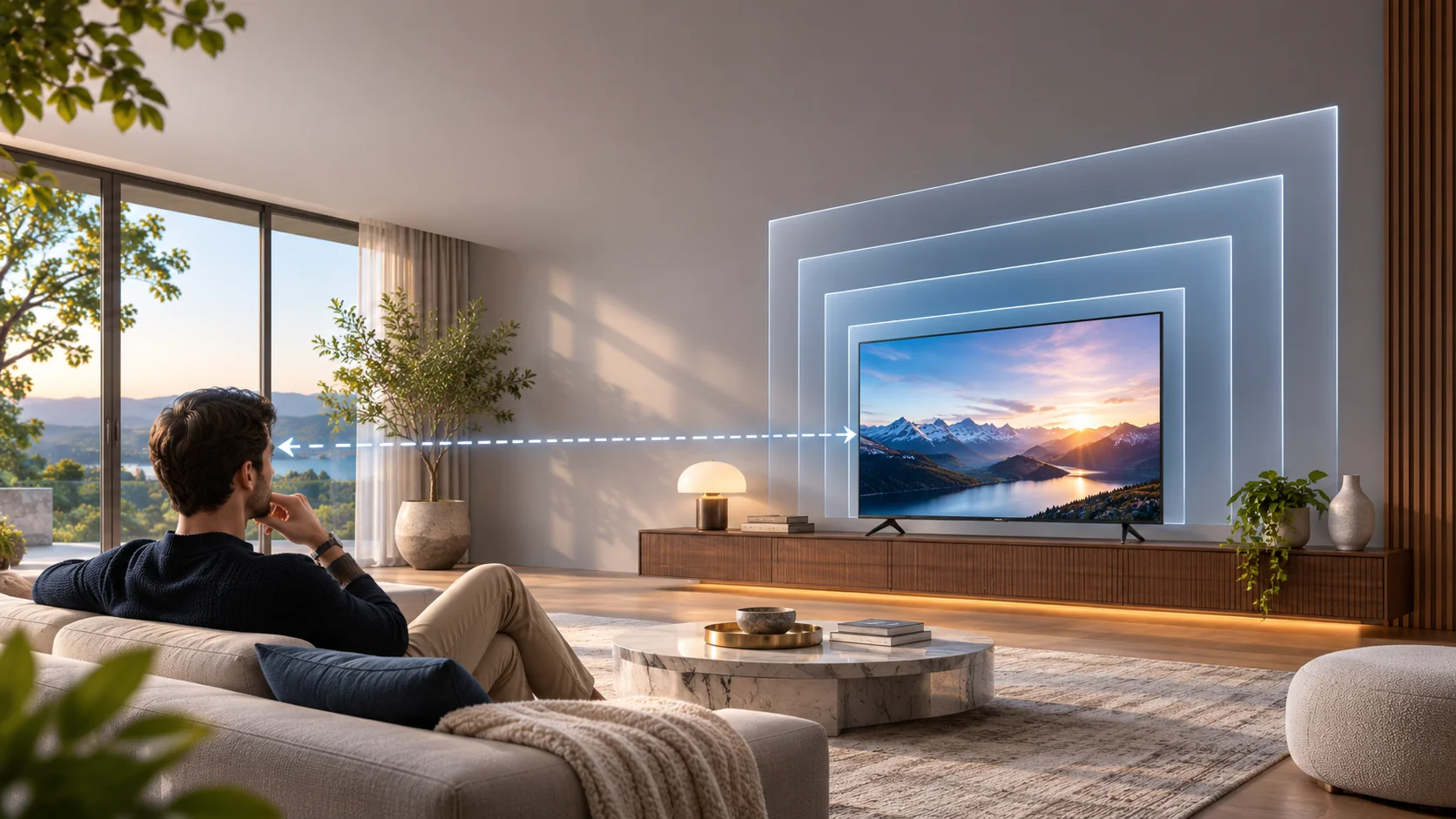
Choose a TV size around your seating distance, viewing habits and available space, then compare exact cabinet and stand dimensions.
Read article →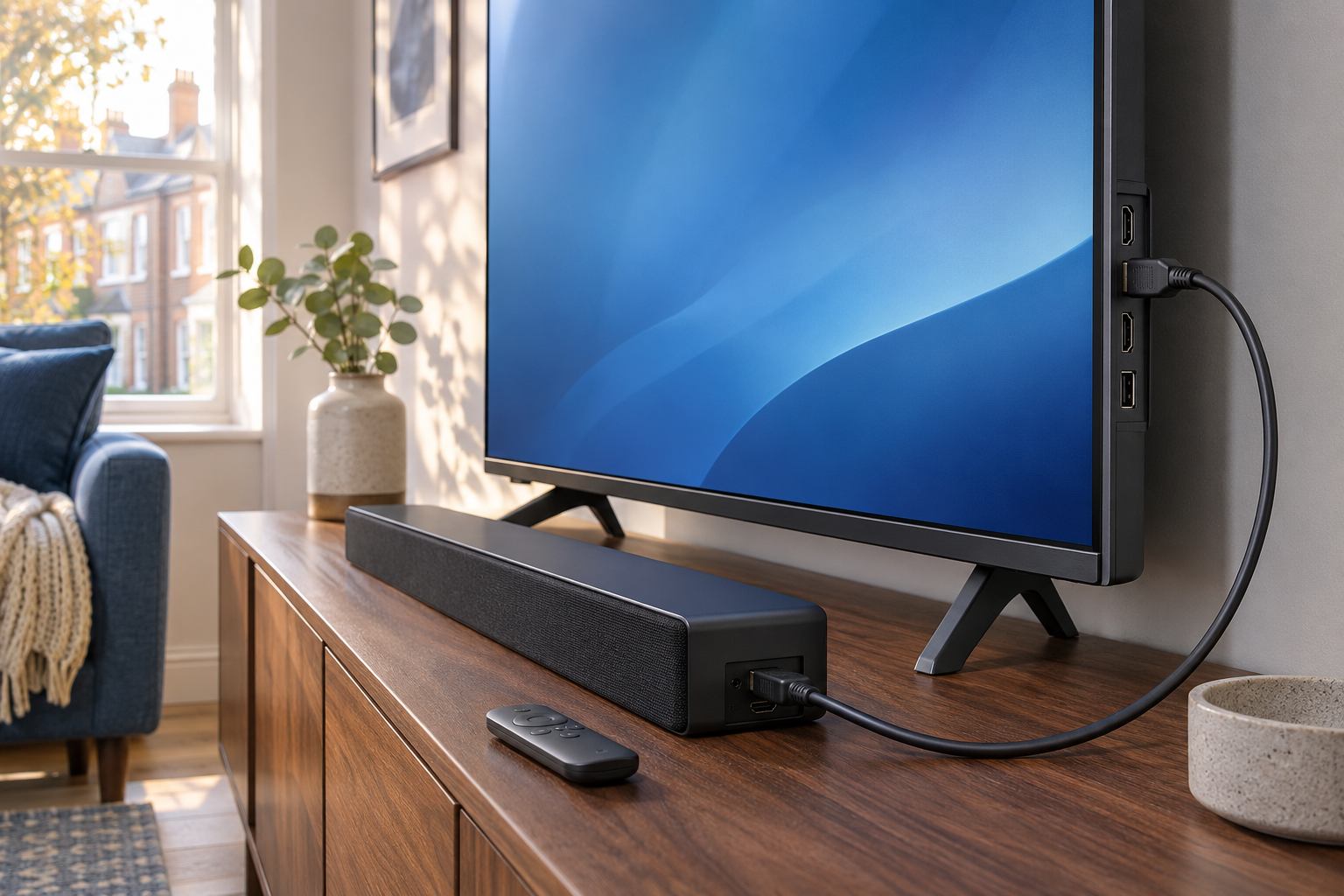
Connect a soundbar to a Samsung TV through ARC or eARC, select the sound output and check HDMI control and format compatibility.
Read article →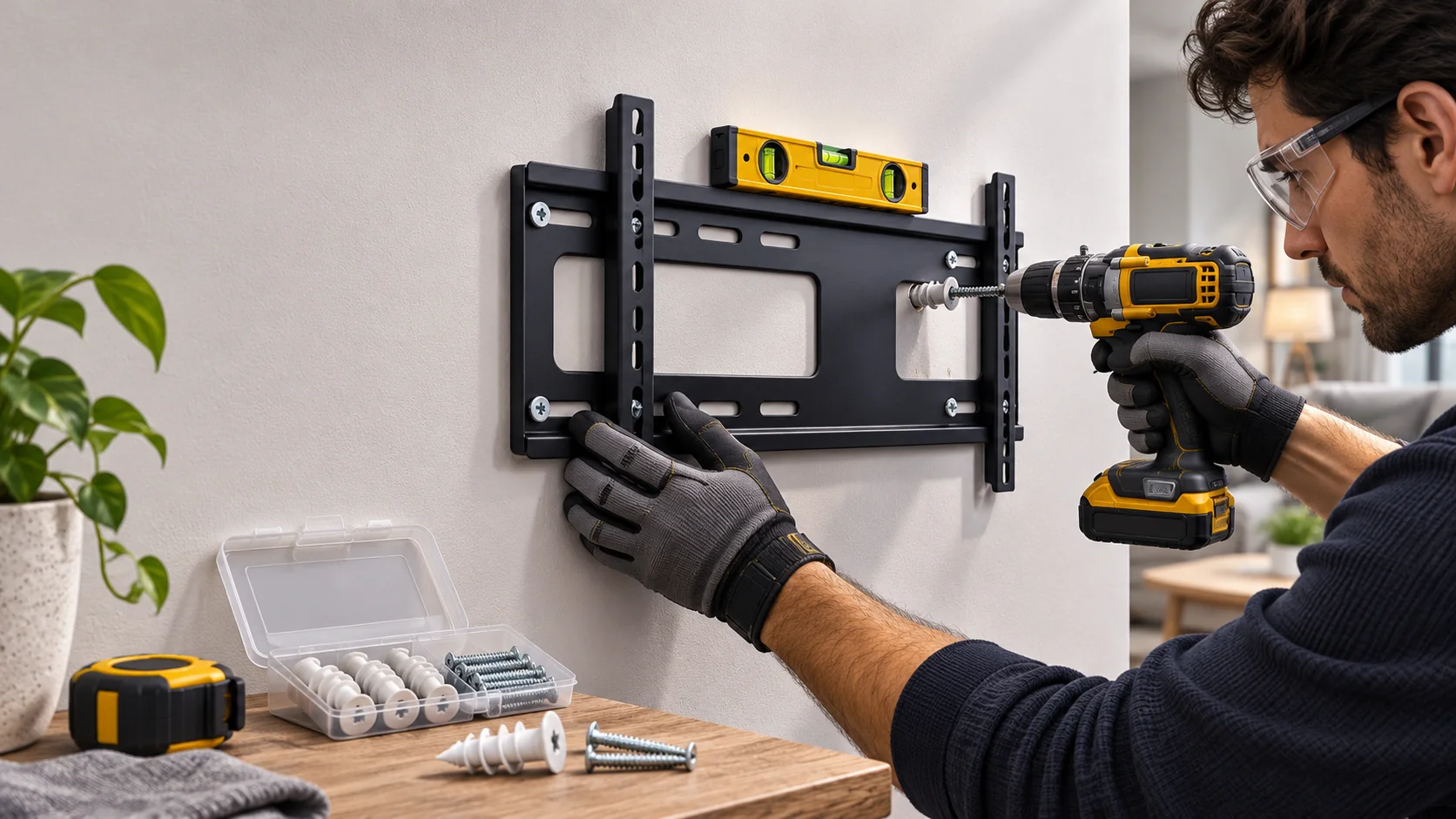
Understand masonry, plasterboard and dot-and-dab walls before choosing a TV mount, fixings or a freestanding alternative.
Read article →
Compare approximate 16:9 screen dimensions from 24 to 85 inches, then check the frame, stand and mounting measurements for an exact fit.
Read article →